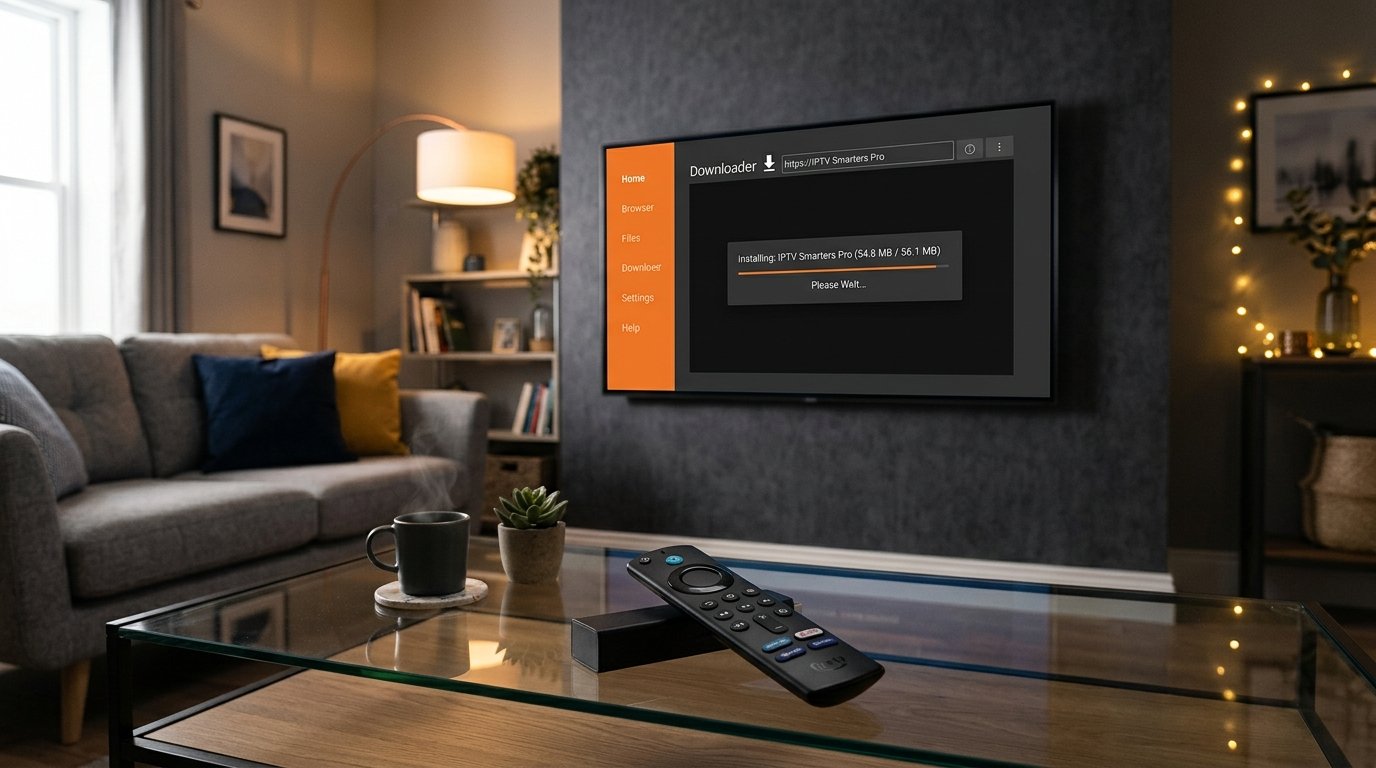
For years, IPTV Smarters Pro has been the go-to media player for cord-cutters streaming live TV via M3U playlists and Xtream Codes API. However, in 2026, many users are frustrated by unexpected app crashes, audio sync delays, sluggish EPG updates, and intrusive third-party ads.
Tired of Freezing, Crashes & Buffering Streams?
Pair your favorite IPTV player with over 28,000+ live 4K channels and 150,000+ VOD movies powered by private anti-freeze servers. Test our premium high-speed Xtream Codes server completely free for 24 hours.
Fortunately, the IPTV player ecosystem has evolved dramatically. Modern players offer hardware-accelerated video decoding, multi-view split-screen streaming, automated cloud backup, and lightning-fast zapping. Below, we rank and review the top 5 IPTV Smarters Pro alternatives for 2026 based on rigorous testing across Fire TV Stick 4K Max, Nvidia Shield Pro, and Android Smart TVs.
Why Users Are Switching Away from IPTV Smarters Pro
While Smarters Pro is functional for beginners, power users frequently report the following limitations:
- Frequent Cache Bloat: The internal database struggles when loading large playlists (over 20,000 channels), causing heavy UI lag.
- Audio/Video Desync on 4K Streams: The default player engine often drops frames on high-bitrate 60fps sports channels.
- Clunky Multi-Screen Feature: Multi-view often crashes or limits users to lower resolutions.
- Outdated Interface: Compared to modern Android TV apps, the navigation feels dated and requires unnecessary clicks to switch channels.
The Top 5 IPTV Smarters Pro Alternatives for 2026 (Ranked)
1. TiviMate IPTV Player (The Undisputed King for Firestick & Android TV)
If you use an Android TV or Amazon Firestick device, TiviMate is in a league of its own. Designed specifically for TV remote navigation, TiviMate looks and feels like a multi-thousand-dollar satellite receiver interface.
- Why It Wins: Fluid modern EPG TV guide, channel zapping in under 0.3 seconds, custom channel grouping, and full multi-screen support (up to 9 screens simultaneously on powerful devices).
- Best Features: Scheduled DVR recording to local storage or NAS, automatic EPG updates, catch-up TV support, and user profile switching.
- Pricing: Free basic version; Premium version costs ~$9.99/year or ~$34.99 lifetime for 5 devices.
- Read our in-depth comparison: TiviMate vs IPTV Smarters Pro Full Breakdown.
2. XCIPTV Player (Best Free Alternative with Built-in Media Players)
For users who want a 100% free app without paying for premium licenses, XCIPTV is the strongest contender. It features a polished dashboard with built-in ExoPlayer and VLC Player engines.
- Strengths: Zero configuration required; dual-player architecture allows you to instantly switch codecs if a video format fails; clean VOD trailer previews.
- Drawbacks: Slightly heavier memory footprint than TiviMate on older 1GB RAM Firestick models.
3. Televizo (Best Lightweight Player for Low-End Streaming Sticks)
If you are using an older Fire TV Stick Lite or budget Android box that lags when running heavy apps, Televizo is your savior. It is engineered with minimal overhead, consuming less than 70MB of RAM during active streaming.
- Strengths: Clean, minimalist user interface; instant playlist loading; supports both M3U and Xtream Codes API; seamless subtitle and multi-audio track switching.
- Drawbacks: Less visually flashy than TiviMate, but unbeatable for speed and stability.
4. iMPlayer (Best for Cloud Management & Remote Setup)
iMPlayer is a powerhouse player built for enthusiasts who manage multiple TVs in a household. It features a dedicated web dashboard where you can edit playlists, manage channel numbers, and push settings to all connected devices remotely.
- Strengths: Cloud backup and sync; advanced multi-view with audio focus switching; support for internal hardware acceleration codecs.
- Drawbacks: The setup menu can feel overwhelming for complete beginners.
5. Sparkle TV (Modern UI with Native Timeshift & Pause Live TV)
Sparkle TV is a rising star in 2026, bringing full Google TV design aesthetics to IPTV. If you love pausing live football matches or rewinding critical plays, Sparkle TV’s timeshifting buffer is among the most stable on the market.
- Strengths: Native Android TV integration; excellent DVR features; beautiful modern typography and home screen channel recommendations.
Side-by-Side Comparison: Smarters Pro Alternatives
How to Connect Any Alternative Player to 4K IPTV IT
No matter which player you choose, setting it up with 4K IPTV IT takes under 60 seconds using our high-speed Xtream Codes API:
- Install your preferred app (e.g., TiviMate or XCIPTV) from the Google Play Store or Amazon Downloader.
- Open the application and select “Add Playlist” or “Xtream Codes API”.
- Enter your credentials provided upon activation:
- Server URL: (Provided via WhatsApp or Email)
- Username: (Your custom username)
- Password: (Your secure password)
- Click Next to allow the player to fetch live categories, VOD titles, and the 7-day EPG guide.
Supercharge Your Streaming Player with True 4K Feeds
Don’t miss another second of live sports, premier league kickoffs, or blockbuster movies. Experience true 4K 60fps streaming with our 99.9% uptime guarantee.
Frequently Asked Questions About IPTV Players
Does changing my IPTV player stop buffering?
A better player like TiviMate optimizes memory usage, hardware video decoding, and buffer sizing, which stops app crashes and stuttering. However, if your IPTV provider’s servers are overloaded, you will still experience buffering. For flawless streaming, pair a top player with an anti-freeze 4K IPTV subscription.
Can I use the same playlist on multiple players?
Yes! Your Xtream Codes credentials can be configured on any player. However, if you plan to stream simultaneously on two different screens at the same time, make sure your subscription includes a multi-connection package to prevent account lockouts.
Is TiviMate free to download on Firestick?
Yes, TiviMate offers a free tier that allows basic channel viewing. To unlock the full TV guide, multi-screen, and recording features, the one-time lifetime license is widely considered the best $35 investment in cord-cutting history.