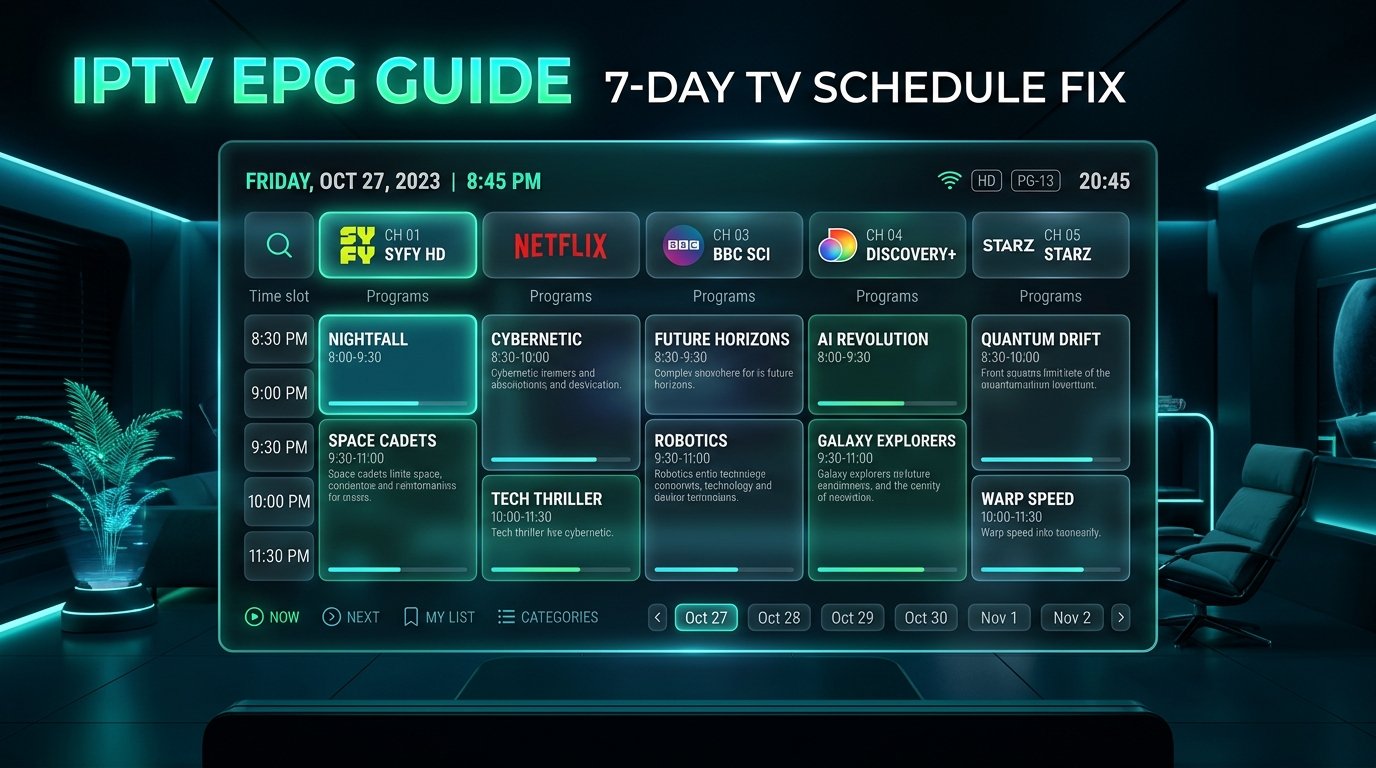
An Electronic Program Guide (EPG) transforms a raw list of streaming channels into a modern, intuitive television experience. When your EPG says ‘No Information’ or displays program schedules six hours out of sync, navigating your favorite channels becomes frustrating.
Fortunately, EPG failures are almost always caused by cached XMLTV data, incorrect time offset configurations, or outdated provider endpoints. In this 2026 troubleshooting tutorial, we walk through the top five fixes to restore your TV guide on TiviMate, IPTV Smarters, and XCIPTV.
Top 4 Solutions to Restore Your EPG Guide
- Clear EPG Cache & Force Update: In TiviMate, go to Settings > EPG > Clear EPG, then immediately click Update EPG. This purges old XML schedules and downloads fresh data from the server.
- Fix Time Offset Mismatch: If program times are ahead or behind your local time, navigate to Settings > EPG > EPG sources, select your source, and adjust the Time Offset (e.g., +1, -5 hours) to align with your time zone.
- Switch to Xtream Codes API: Raw M3U playlist URLs often struggle to parse large EPG files. Connecting via Xtream Codes API automatically maps EPG source IDs directly to channels.
- Assign Channels Manually: If specific niche channels lack schedule data, long-press the channel, select Assign EPG, and search for the matching network schedule.
At 4K IPTV IT, our infrastructure features automated 7-day EPG synchronization updated every 6 hours across all US, UK, Canadian, European, and Arabic channels. If your current provider can’t keep its guide updated, test our seamless setup today.