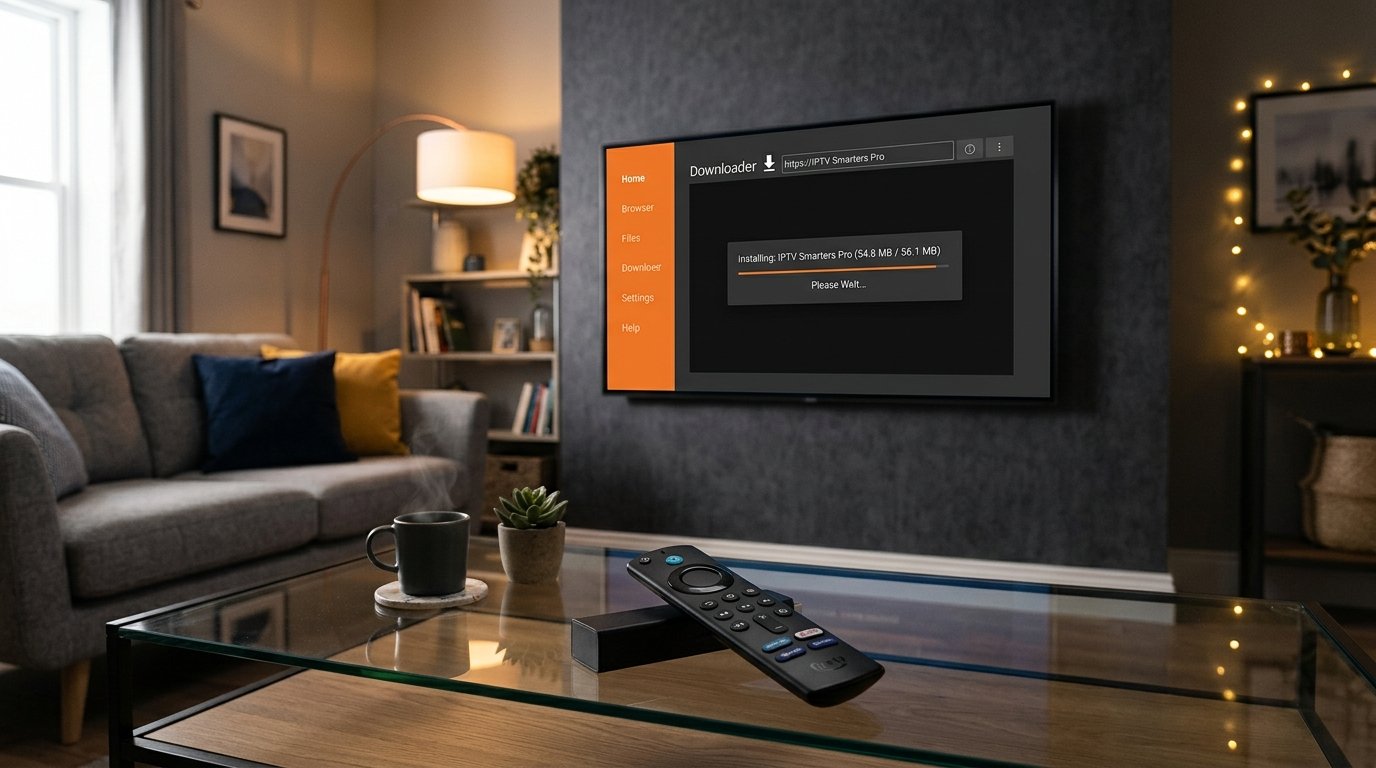
The Amazon Fire TV Stick remains the most popular streaming device on earth, and IPTV Smarters Pro is undeniably the most widely used media player for accessing live television, PPV sports events, and on-demand movies. However, because IPTV Smarters is not hosted on the official Amazon Appstore, millions of cord-cutters look for the exact, safe method to sideload the app using the popular Downloader app.
In this quick 2026 tutorial, we provide the verified numeric Downloader quick-code, guide you step-by-step through unlocking Fire OS developer options, and show you how to log in with 4K IPTV to unlock 20,000+ live channels in under 5 minutes.
Prerequisite: Enable Unknown Apps on Firestick in 2026
Recent Fire OS updates hide Developer Options by default. Here is how to unlock them in 30 seconds:
- From your Firestick home screen, click the Settings (gear) icon on the far right.
- Select My Fire TV > About.
- Hover over your device name (e.g., Fire TV Stick 4K Max) and click the center Select button 7 times rapidly.
- A notification will pop up at the bottom: “No need, you are already a developer.”
- Press the Back button once, click into the newly unlocked Developer Options menu, and turn Install Unknown Apps (or Apps from Unknown Sources) to ON.
Step-by-Step Installation via Downloader App
Step 1: Install Downloader from Amazon Appstore
Go to the Find > Search menu on your Firestick, type “Downloader”, select the orange Downloader icon, and click Download / Get.
Step 2: Enter the Downloader Code for IPTV Smarters Pro
- Launch Downloader and click Allow when prompted for storage permissions.
- Click into the URL input box and enter the universal Downloader code for IPTV Smarters Pro: 250931 (or type
https://www.iptvsmarters.com/smarters.apk). - Click Go. The official APK file will download automatically.
- Click Install on the prompt, then click Done.
- Click Delete on the original installation file to save precious Firestick storage memory.
How to Login and Configure IPTV Smarters Pro
Launch IPTV Smarters Pro from your Your Apps & Channels list and follow these simple steps:
- Select TV / Box layout and accept the terms of service.
- Click on “Login with Xtream Codes API” (This is significantly faster and more stable than loading massive M3U playlist files).
- Enter your 4K IPTV subscription credentials:
- Any Name: 4K IPTV
- Username: Your provided username
- Password: Your provided password
- Server URL: Your provided server address with port
- Click Add User. The application will immediately download your live TV channels, sports categories, and real-time electronic program guide (EPG).
Essential Settings Inside IPTV Smarters for Zero Lag
To eliminate audio desync and stream stutter during 60FPS sports broadcasts, make these two quick tweaks:
- Change Player Engine: Go to Settings > Player Selection. Switch the default player from Built-in to Hardware Acceleration (ExoPlayer or VLC Engine).
- Stream Format: In General Settings, ensure Stream Format is set to MPEG-TS for live television and HLS for on-demand movies. For more tips on eliminating stutter, read our guide on how to stop IPTV freezing and buffering in 2026.
Ready to turn your Firestick into the ultimate entertainment center? Get your 4K IPTV subscription today and stream 20,000+ premium channels with instant delivery!