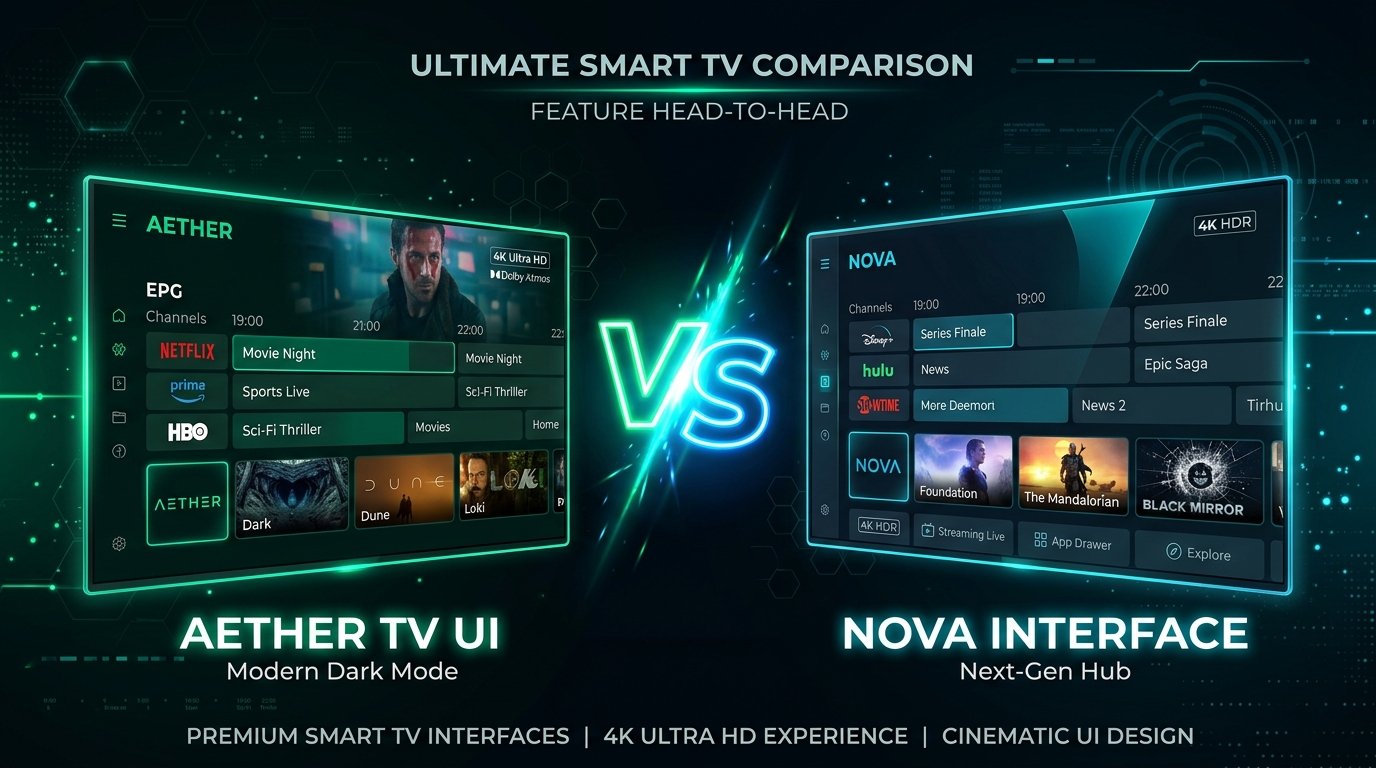
If you are cutting the cord in 2026, finding a reliable subscription is only half of the equation—the application you use to navigate your channels defines your entire daily viewing experience. In the streaming community, two heavyweights dominate almost every discussion: TiviMate IPTV Player and IPTV Smarters Pro.
Both applications connect effortlessly to premium IPTV services via Xtream Codes API or M3U playlist URLs. However, their design philosophies, remote control handling, multi-screen capabilities, and platform compatibility could not be more different. In this comprehensive head-to-head 2026 showdown, we test both players across speed, interface design, sports multi-viewing, and overall value to help you decide which app belongs on your television.
Quick Verdict: Which App Should You Choose?
In a rush? Here is the distilled takeaway from hundreds of hours of hands-on testing:
- Choose TiviMate if: You stream primarily on a big-screen TV using an Amazon Fire TV Stick, Nvidia Shield, or Google TV device. TiviMate offers the most fluid, broadcast-grade cable TV guide on the market, unmatched multi-screen multi-view for sports, and zero advertisements.
- Choose IPTV Smarters Pro if: You need a single application that runs across multiple operating systems, including Apple iOS (iPhone/iPad), Samsung Smart TVs (Tizen OS), LG Smart TVs (webOS), Windows PC, and Mac, or if you want a reliable free player without purchasing a premium license.
User Interface & Navigation: Living Room vs. Mobile Roots
The starkest difference between the two applications lies in how you interact with them using a standard TV remote control:
TiviMate: The Broadcast Cable Experience
TiviMate was engineered from the ground up strictly for TV remotes and 10-foot interfaces. When you launch TiviMate, you are greeted by an elegant, horizontal Electronic Program Guide (EPG) that mimics high-end satellite set-top boxes like Sky Q or DirecTV. Channel switching is instantaneous, channel preview windows play in real time while you browse the guide, and grouping favorite channels requires just a single click. There is zero bloat or mobile UI compromises.
IPTV Smarters Pro: The Multi-Category Hub
IPTV Smarters Pro employs a dashboard layout featuring distinct oversized tiles for Live TV, Movies, and Series. While intuitive for touchscreen phones and tablets, navigating between channel categories on a TV remote requires extra clicks to enter and exit submenus. However, Smarters Pro excels at organizing Video on Demand (VOD) libraries with rich movie posters, cast bios, and episode tracking.
Feature Showdown: Advanced Capabilities Tested
| Feature | TiviMate IPTV Player | IPTV Smarters Pro |
|---|---|---|
| Target Platform | Android TV, Google TV, Fire OS | Android, iOS, Samsung, LG, PC, Mac |
| Multi-View (Multi-Screen) | Up to 9 screens simultaneously | Up to 4 screens (Pro version) |
| Auto Frame Rate (AFR) | Yes (Smooth 50/60 FPS switching) | Limited / Device dependent |
| EPG Layout & Speed | Horizontal timeline, ultra-fast | Standard vertical channel list |
| PVR Recording Schedule | Advanced internal & SMB network | Basic manual recording |
| Catch-Up TV Support | Seamless timeline rewind | Dedicated Catch-Up tab |
| Cost / Pricing | Free (Basic) / .99 Lifetime | Free with Ads / Pro in-app upgrade |
| Ads in Interface | 100% Ad-Free | Banner ads in free version |
Multi-View for Live Sports: TiviMate Takes the Crown
For sports enthusiasts who follow the Champions League or Sunday football, Multi-View is a game-changing feature. TiviMate allows you to split your television screen into 2, 3, 4, or up to 9 live feeds concurrently. You can switch audio between games with a single directional tap on your remote, resize window grids, and monitor multiple derbies simultaneously without lag.
IPTV Smarters Pro also supports multi-screen (up to 4 screens), but the layout is more rigid, and older devices frequently experience audio desync when handling multiple high-bitrate 60FPS streams. If weekend sports viewing is your top priority, TiviMate remains the undisputed champion. Read our dedicated guide on optimizing TiviMate with 4K IPTV IT for full configuration details.
Platform Compatibility: Where Smarters Pro Wins
TiviMate’s greatest strength is also its biggest limitation: it does not support Apple iOS, Samsung Smart TVs, or LG webOS. If your household uses an iPhone, an iPad, or a Samsung TV in the bedroom without an external streaming stick, TiviMate simply cannot be installed.
This is where IPTV Smarters Pro shines. You can download Smarters directly from the official Apple App Store, Google Play Store, Samsung Smart Hub, and LG Content Store. For families with mixed hardware ecosystems, Smarters Pro delivers familiar accessibility across all household screens.
The Secret to Peak Performance: Server Infrastructure
Whether you choose TiviMate or IPTV Smarters Pro, remember this golden rule: a media player is only as good as the stream feeding into it. An application cannot fix a buffering stream if the provider’s server is oversold and throttling bandwidth. If you experience freezing on either player, consult our step-by-step tutorial on how to fix IPTV freezing and buffering.
At 4K IPTV IT, our subscriptions are built specifically for flawless integration with both TiviMate and IPTV Smarters Pro. Through our instant Xtream Codes API system, your channels, 7-day EPG guides, and VOD libraries populate in seconds with verified 60FPS sports feeds and multi-connection compatibility. See what cord-cutters recommend in our Best IPTV According to Reddit 2026 review.
Frequently Asked Questions
Q: Can I use my 4K IPTV IT subscription on both TiviMate and Smarters Pro?
A: Yes! Our subscriptions include universal Xtream Codes credentials (Server URL, Username, and Password). You can enter them into TiviMate on your living room Firestick and into IPTV Smarters Pro on your phone or tablet.
Q: Is TiviMate Premium worth the .99 one-time fee?
A: If you watch TV daily on an Android TV or Firestick, absolutely. The lifetime license covers up to 5 devices and unlocks essential features like custom EPG grouping, scheduled recording, automatic frame rate matching, and unlimited multi-view.
Q: Which player handles live sports better with zero buffering?
A: TiviMate handles live 60FPS sports significantly better thanks to its custom buffer size settings (Settings > Playback > Buffer size) and auto frame rate synchronization, which prevents micro-stuttering during fast-paced action.