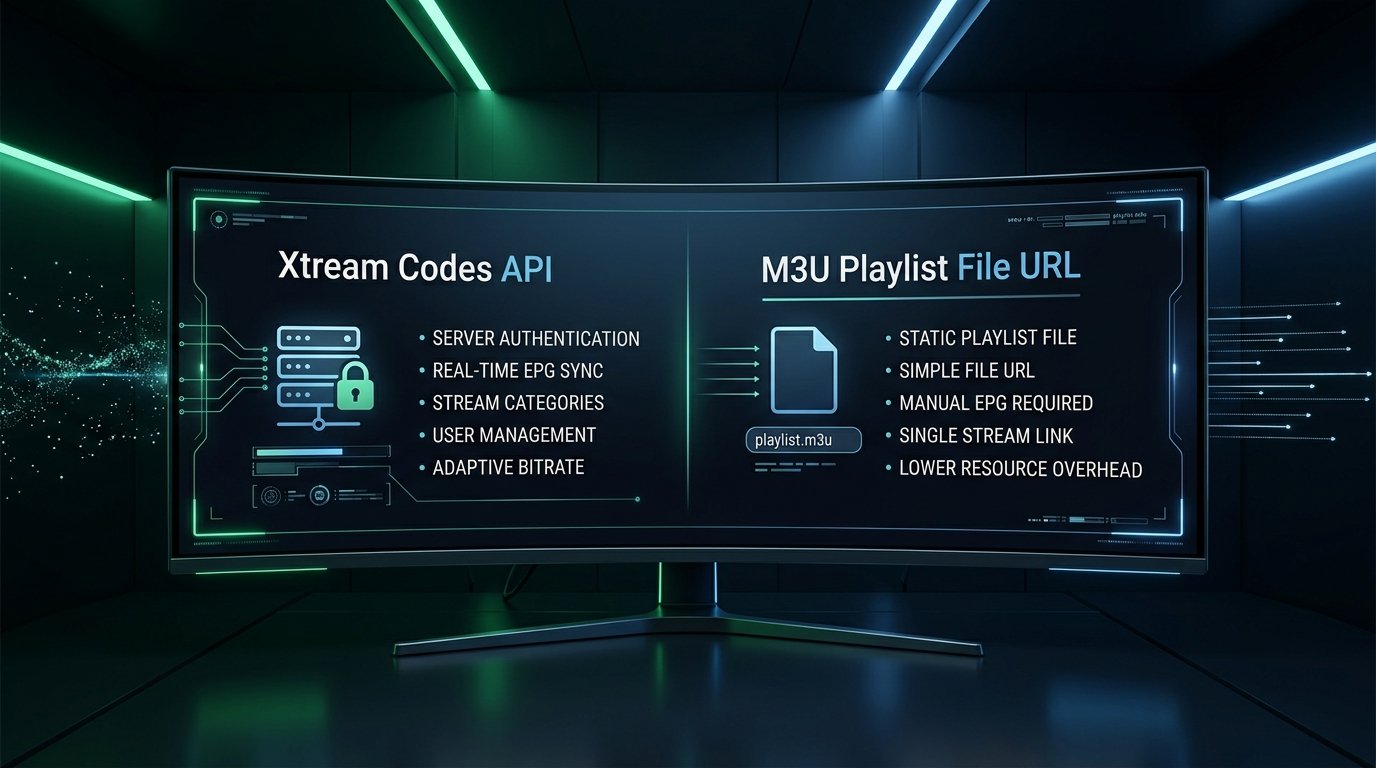
When subscribing to an IPTV service, you are typically provided with two connection options: an M3U playlist link or Xtream Codes API credentials. For newcomers, understanding the difference between these two connection formats can feel confusing.
Are they delivering the same channels? Which format loads faster? Which one keeps your Electronic Program Guide (EPG) accurate and up to date? In this 2026 technical comparison, we examine the mechanics of both protocols to help you choose the best format for your streaming setup.
What Is an M3U Playlist?
An M3U (or M3U8) file is essentially a plain text document that contains a long index list of direct web stream links. Originally developed for audio playlists in Winamp, it was adapted for video streaming:
- How It Works: When you paste an M3U link into your player, your device downloads the entire text file (often containing 25,000+ lines of text) into local memory.
- The Upside: Universally supported by almost every media player created, including VLC, Kodi, and simple mobile apps.
- The Downside: Every time channel lists update, your app must re-download the massive file from scratch. Furthermore, M3U links do not include integrated EPG or VOD metadata natively; you must supply a secondary XMLTV guide URL separately.
What Is Xtream Codes API?
Xtream Codes API is a modern database communication protocol designed specifically for IPTV management. Instead of downloading a massive static text file, your player communicates dynamically with the provider’s server database using three simple parameters: Server URL, Username, and Password.
- On-Demand Database Queries: When you open a category (e.g., “USA Sports”), the player requests only the channels in that specific folder, reducing startup times from 30 seconds to under 2 seconds.
- Automatic EPG Synchronization: Program guide data updates in real-time without requiring complex secondary XML file links.
- Rich VOD Metadata: Movies and television series are delivered with high-resolution poster art, cast lists, plot summaries, IMDb ratings, and episode grouping.
- Account Expiration Alerts: Players display active subscription duration and simultaneous connection limits directly inside the app menu.
Head-to-Head Comparison: Xtream Codes vs. M3U
| Feature | Xtream Codes API | M3U Playlist URL |
|---|---|---|
| Initial Loading Speed | Instant (1–2 seconds) | Slow (Must parse entire file) |
| EPG Guide Integration | Automatic & Real-time | Requires separate XMLTV URL |
| VOD Posters & Info | Included automatically | Rarely supported / Plain text |
| Ease of Entry | Simple (User/Pass/URL) | Tedious (Long complex URL) |
| Best Player Support | TiviMate, IPTV Smarters, XCIPTV | VLC Player, Smart IPTV (SIPTV), Kodi |
Which One Should You Choose in 2026?
If you are using modern streaming apps like TiviMate, IPTV Smarters Pro, IPTVX, or XCIPTV on Firestick, Smart TV, or Android, Xtream Codes API is superior in every way. It delivers faster navigation, richer metadata, and zero playlist synchronization errors.
M3U remains useful primarily as a fallback protocol for legacy devices or versatile media players like VLC on desktop computers.
The Best of Both Worlds: At 4K IPTV IT, every active subscriber automatically receives both Xtream Codes API credentials and an M3U playlist link upon activation, ensuring 100% compatibility across all your devices.
Conclusion: Get Started with Premium Streaming
Understanding the difference between Xtream Codes API and M3U playlists empowers you to configure the fastest, most reliable streaming setup possible.
Explore 4K IPTV IT subscription packages and start streaming 25,000+ live channels with instant WhatsApp activation.