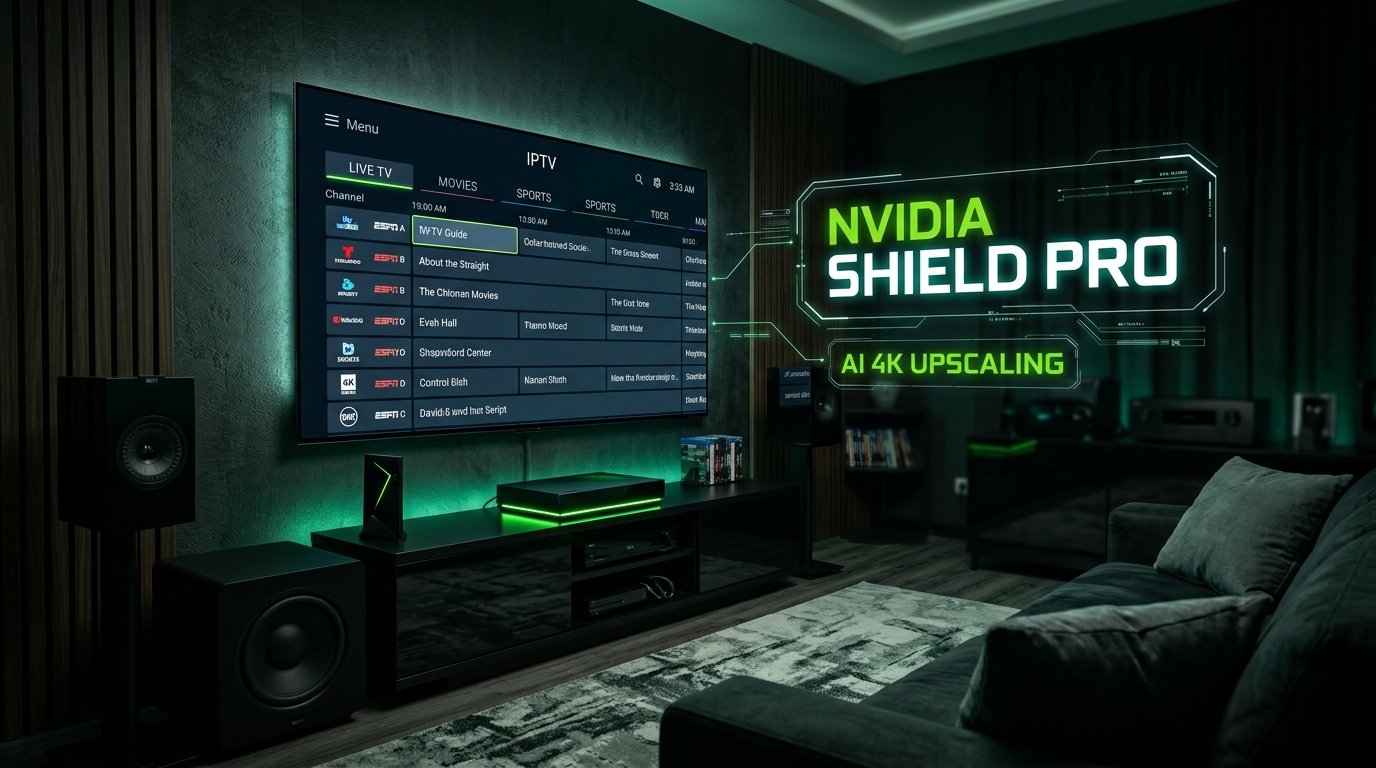
Even in 2026, the Nvidia Shield TV Pro remains the undisputed champion of premium streaming hardware. Armed with the Tegra X1+ processor, hardware AI upscaling, Gigabit Ethernet, and lossless Dolby Atmos audio passthrough, the Shield is designed for cinephiles and sports purists who refuse to compromise.
However, running a top-tier streaming console with a budget, compressed IPTV stream is like putting low-grade fuel into a sports car. In this guide, we show you how to configure the ultimate 4K IPTV experience on Nvidia Shield TV Pro, optimize AI upscaling settings, and pair it with 4K IPTV IT for lag-free performance.
Why Nvidia Shield TV Pro Outperforms Budget Sticks
- Proprietary AI 4K Upscaling: The Shield analyzes 1080p live sports feeds in real-time, sharpening field lines, jersey numbers, and textures to near-native 4K quality without motion artifacts.
- Hardware Gigabit LAN Port: Hardwiring directly to your router delivers 1,000 Mbps throughput, completely eliminating Wi-Fi interference.
- Heavyweight Multi-View Capability: The Shield’s 3GB of RAM enables smooth 4-screen or 9-screen multi-view on TiviMate Premium without frame drops.
Optimal Shield TV IPTV Settings for 2026
- Display Mode: Set to 3840×2160 59.940 Hz or 60 Hz with YUV 422 12-bit Rec. 2020 Dolby Vision enabled.
- AI-Enhanced Mode: Set to AI-Enhanced (Medium). High can add subtle halo effects around fast-moving sports balls.
- TiviMate Playback Settings: Enable Auto Frame Rate (AFR) and set buffer size to Medium. Read our full TiviMate setup guide.